What Flow needs
- A description of the analysis, report, or file you need
- The business data Flow already has access to
- Nothing else — no template, no spec required
If it can be figured out, Flow figures it out
When code execution is enabled for an account, Flow can use it to work through an analysis or file request that has no ready-made view. The exact capability, accessible data, and security boundaries need to be confirmed before it is used with sensitive business information.
Who this is for
The operating problem
Every pre-built dashboard eventually hits a question it wasn’t designed to answer. Normally that means exporting to a spreadsheet and doing it yourself.
A workflow from instruction to outcome
Confirm that code execution is available and appropriate for the data involved.
Ask for an analysis, report, or export that has no ready-made view.
When enabled, Flow can use the data made available to that capability to prepare the analysis or file.
Review the methodology, inputs, and output before using it for a business decision.
Keep accounting, legal, compliance, and other specialist review outside the generated result.
Illustrative example — fictional prompt, response, names, and metrics; not customer results.
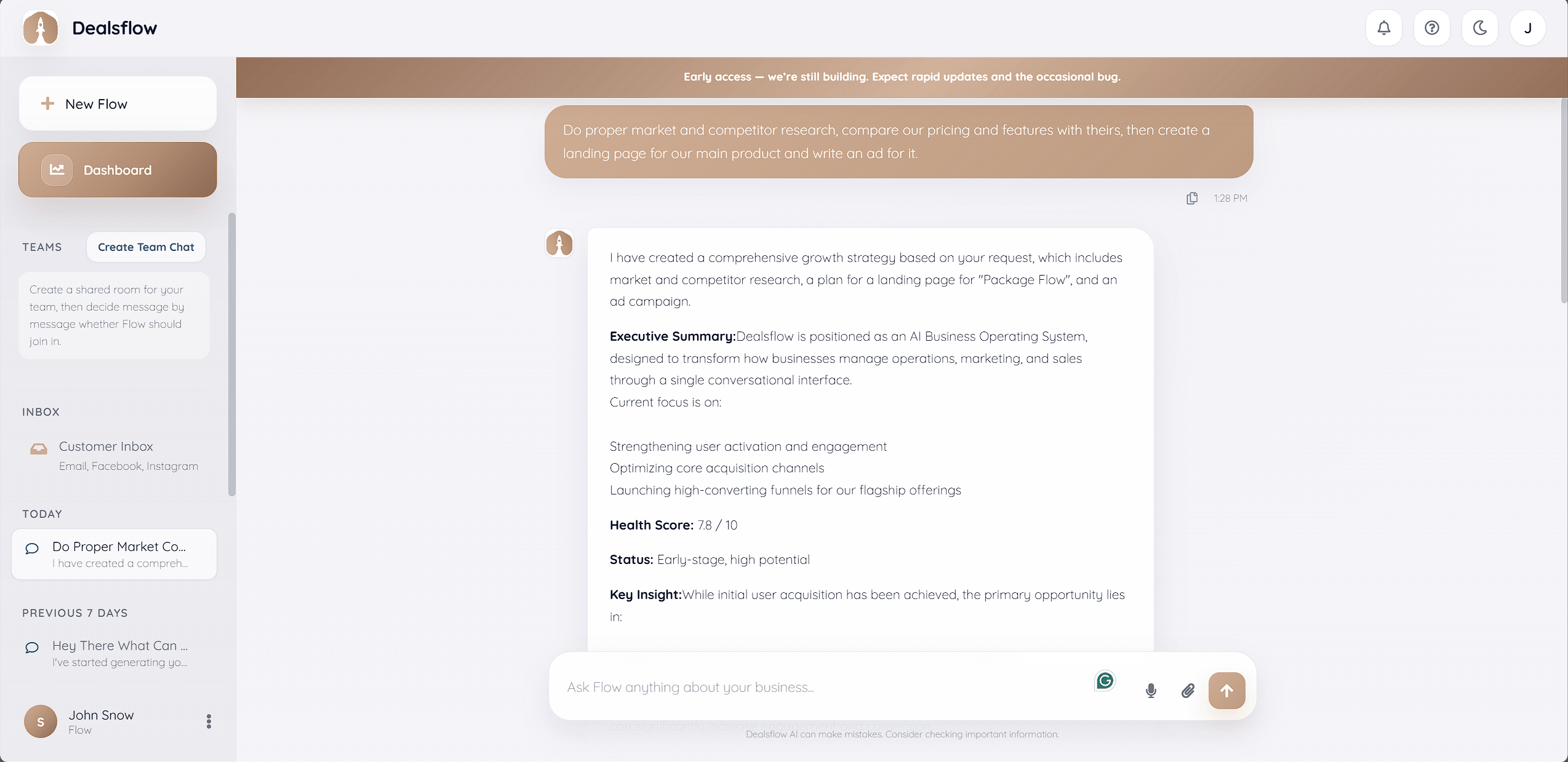
From context to controlled action
Flow keeps the conversation close to the records and work it can use. The owner remains the decision point where the workflow requires approval.
What Flow needs
What Flow creates
Where you approve
What to expect
Code-execution availability and its security boundaries must be confirmed for your account before relying on this workflow. Generated analysis can be wrong and is not a replacement for specialized accounting, legal, security, or compliance review.
Frequently asked questions
Start with the core
The workspace is free for one person and one organization. Hire an employee only when you want more capacity.