What Flow needs
- A clear outcome and trigger
- The records and capability each step needs
- Rules for approvals, exceptions, and timing
AI workflow automation for small business
"When a new lead comes in, add them to the pipeline, send a welcome email, and remind me to call in two days." Describe it once to Flow, or build it on the visual canvas, and Dealsflow runs it automatically every time the trigger fires.
Who this is for
The operating problem
Visual workflow tools can connect triggers and actions, but you still have to translate every business outcome into a technical diagram and keep it maintained.
A workflow from instruction to outcome
Describe the result, trigger, and any boundaries to Flow — or drag it out on the visual builder.
Choose from 21 trigger types: new lead, deal-stage change, message received, and more.
Chain up to 18 actions with if/else, switch, and delay logic for real branching.
You review the decisions or outputs that need approval.
Results and exceptions land back in the conversation with useful context.
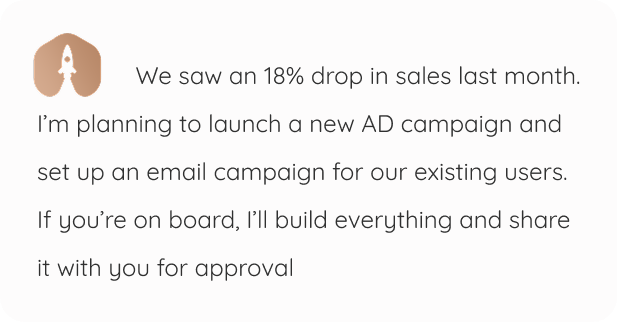
Illustrative example — fictional prompt, response, names, and metrics; not customer results.
From context to controlled action
Flow keeps the conversation close to the records and work it can use. The owner remains the decision point where the workflow requires approval.
What Flow needs
What Flow creates
Where you approve
What to expect
Automation is limited to enabled capabilities and available information. Unsupported steps still need a person or another system.
Frequently asked questions
Start with the core
The workspace is free for one person and one organization. Hire an employee only when you want more capacity.