What Flow needs
- A connected Stripe account
- Your plain-language money question
- Customer identifiers and matching rules available to the configured connection
Every payment, one chat away
Payment and customer context often live in different systems. Dealsflow is designed to make supported Stripe activity available beside client records when the connection is enabled and configured. Exact event coverage, matching behavior, and timing vary with the current integration.
Who this is for
The operating problem
Payment data and customer data usually live in different systems, so "who paid us this week" takes a login and some manual matching.
A workflow from instruction to outcome
Confirm that the Stripe connection and the event types you need are currently available.
Configure the connection for the organization and verify it with a test event.
Review how customer matching works and resolve records that cannot be matched confidently.
Ask Flow a plain-language payment question using the data received by the connection.
Compare important totals with Stripe and your accounting records before acting on them.
Illustrative example — fictional prompt, response, names, and metrics; not customer results.
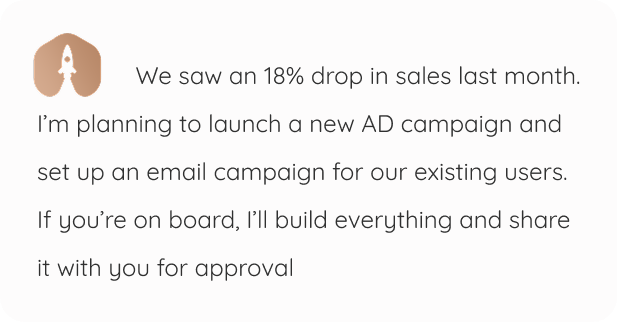
From context to controlled action
Flow keeps the conversation close to the records and work it can use. The owner remains the decision point where the workflow requires approval.
What Flow needs
What Flow creates
Where you approve
What to expect
Stripe integration availability varies by account and rollout; confirm the current status, supported events, timing, matching rules, and security controls before relying on it. This is a visibility workflow, not a replacement for Stripe or your accounting process.
Frequently asked questions
Start with the core
The workspace is free for one person and one organization. Hire an employee only when you want more capacity.