What Flow needs
- A spoken instruction or question
- Business records available to Flow
- Microphone permission for voice interaction
AI business assistant for small business
Driving, walking, between meetings? Tap once and talk to your business. Live voice turns Flow into a hands-free operator that answers, drafts, and does — in real time.
Who this is for
The operating problem
A dashboard is only useful when you can stop and study it. It’s much less useful when you need one answer or one action taken while your hands and attention are somewhere else.
A workflow from instruction to outcome
Open Flow on web or mobile and start talking — natural, low-latency voice.
Ask a question or describe the outcome in normal language.
Voice can use the tools enabled for your account to check numbers, prepare email, or create tasks.
Say "flow pause" to pause the voice session before stepping into another conversation; confirm current microphone and audio handling with support before discussing sensitive information.
Say "flow resume" or tap the mic to continue when you are ready.
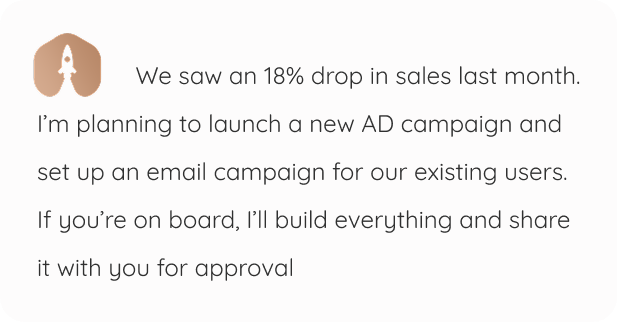
Illustrative example — fictional prompt, response, names, and metrics; not customer results.
From context to controlled action
Flow keeps the conversation close to the records and work it can use. The owner remains the decision point where the workflow requires approval.
What Flow needs
What Flow creates
Where you approve
What to expect
Voice quality depends on your device and environment. Flow cannot retrieve information that hasn’t been added or connected, and it shouldn’t be used for emergency or legally required communication.
Frequently asked questions
Start with the core
The workspace is free for one person and one organization. Hire an employee only when you want more capacity.